FunnyLens · beta
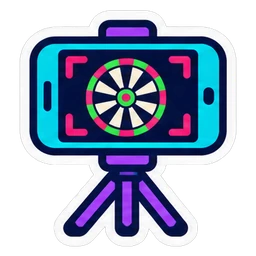 A phone scores your darts
Put a phone on a tripod next to your dartboard: it films with its zoom and FunnyDarts keeps score. No camera to buy.
A phone scores your dartsPut a phone on a tripod next to your dartboard: it films with its zoom and FunnyDarts keeps score. No camera to buy.
 Android
First install outside Google Play: Android asks you to allow installs from your browser (“unknown sources”); allow it for this app only. Coming soon to Google Play too.
 iPhone / iPad
 Set up in 3 steps Configuration › choose My phone films. Two QR codes appear.
 Good to know
 FunnyEye) remain the reference: compare the modes.